Signature bound to the document
A signature is tied to the document content, so a change after signing can be detected.
Security and digital trust
IMZA combines signer identity controls, secure signing workflows and verifiable evidence, so organizations can protect each document from preparation to completion.
Signature types
IMZA supports two signature levels. They differ in how the signer is verified and how the signature is created.
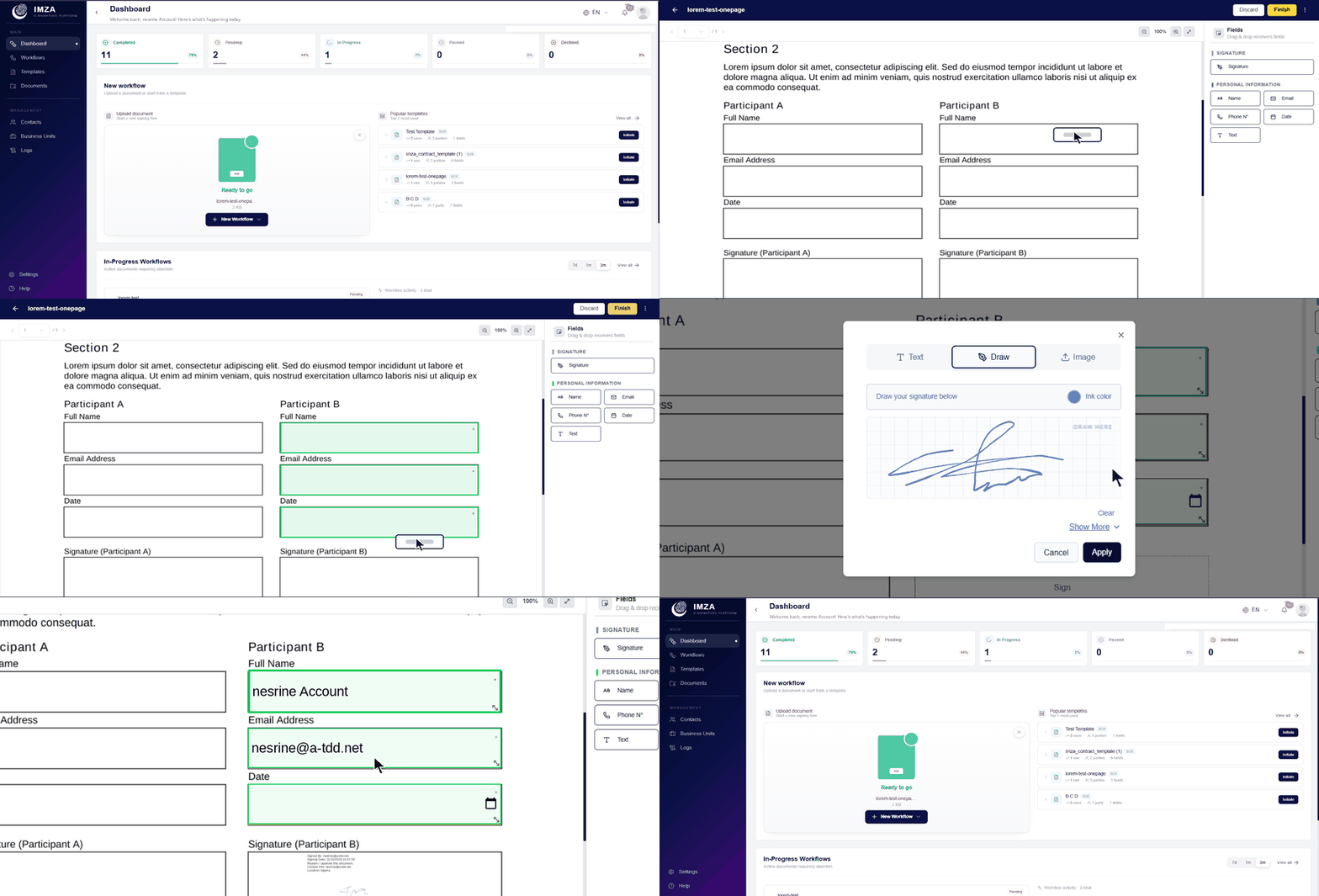
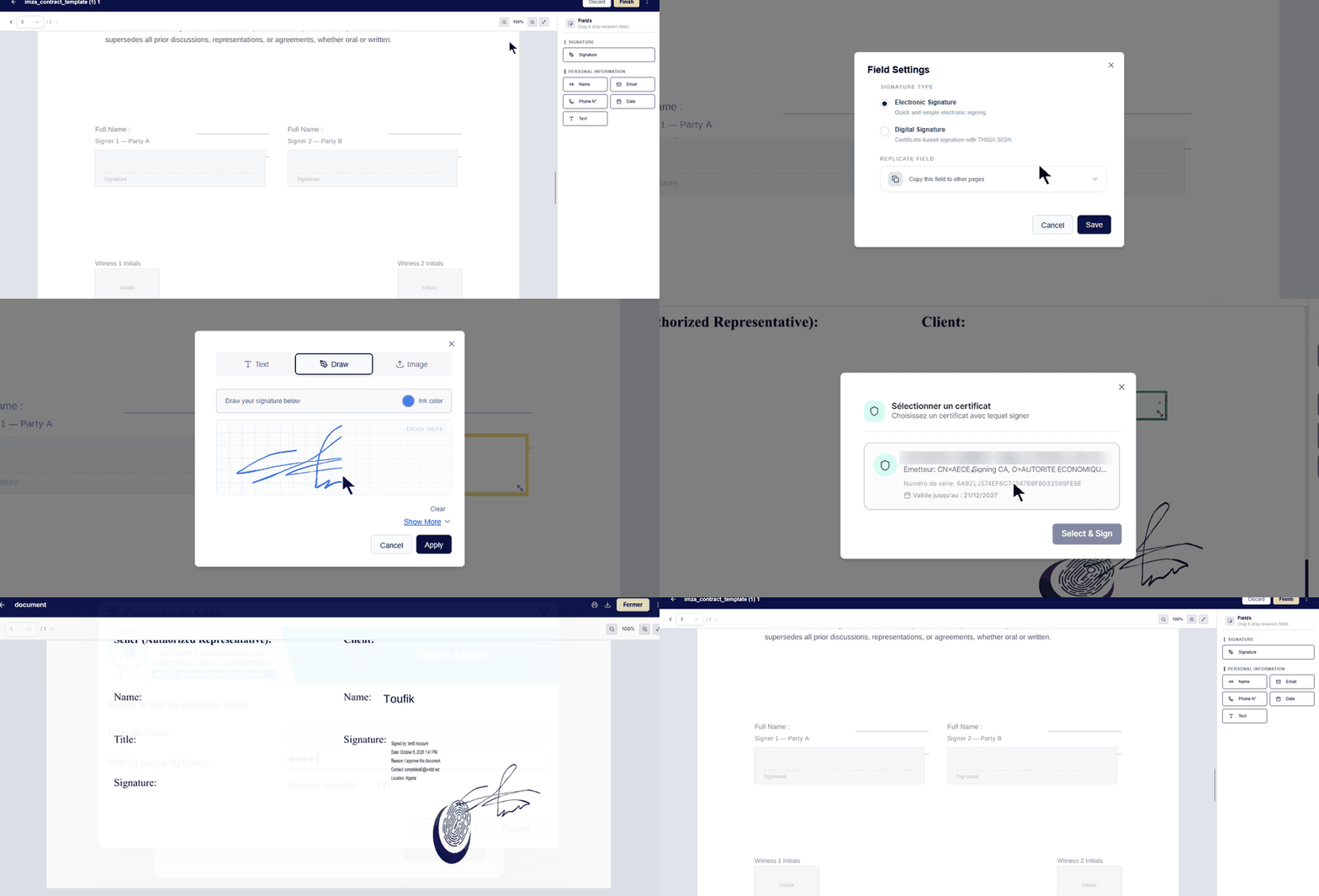
Legal effect depends on the applicable law, the certificate and the circumstances of signing. A cryptographic signature alone does not establish legal validity or prove who the signer is.
How signed documents can be checked after signing.
A signature is tied to the document content, so a change after signing can be detected.
The signed document can be verified to confirm it matches what was signed.
Qualified signing uses the signer's certificate and token.
Verification can show whether a document changed after signing. It does not prevent a copy from being edited.
Controls that decide who can act on a document.
Participants are authenticated before they act on a document, according to the workflow settings.
Each participant has a defined role in the workflow, such as signer.
Some controls apply only to certain signing methods, such as local signing with a token.
Available controls vary by workflow and configuration. Contact us to confirm what applies to your use case.
What to discuss with us when assessing IMZA for your organization.
Deployment options and data-location arrangements are defined with each organization.
IMZA is built around the Algerian legal framework and trusted digital identity, with an architecture ready for international standards.
Being ready for a standard is not the same as being certified under it. Ask us about the current status of any certification or compliance requirement that matters to you.
